Register for naga777 in three clear steps
Aviator, Dragon Tiger, Tree of Fortune and our Sportsbook sit behind one account, so registration gives you one wallet, one profile and one route into the lobby.
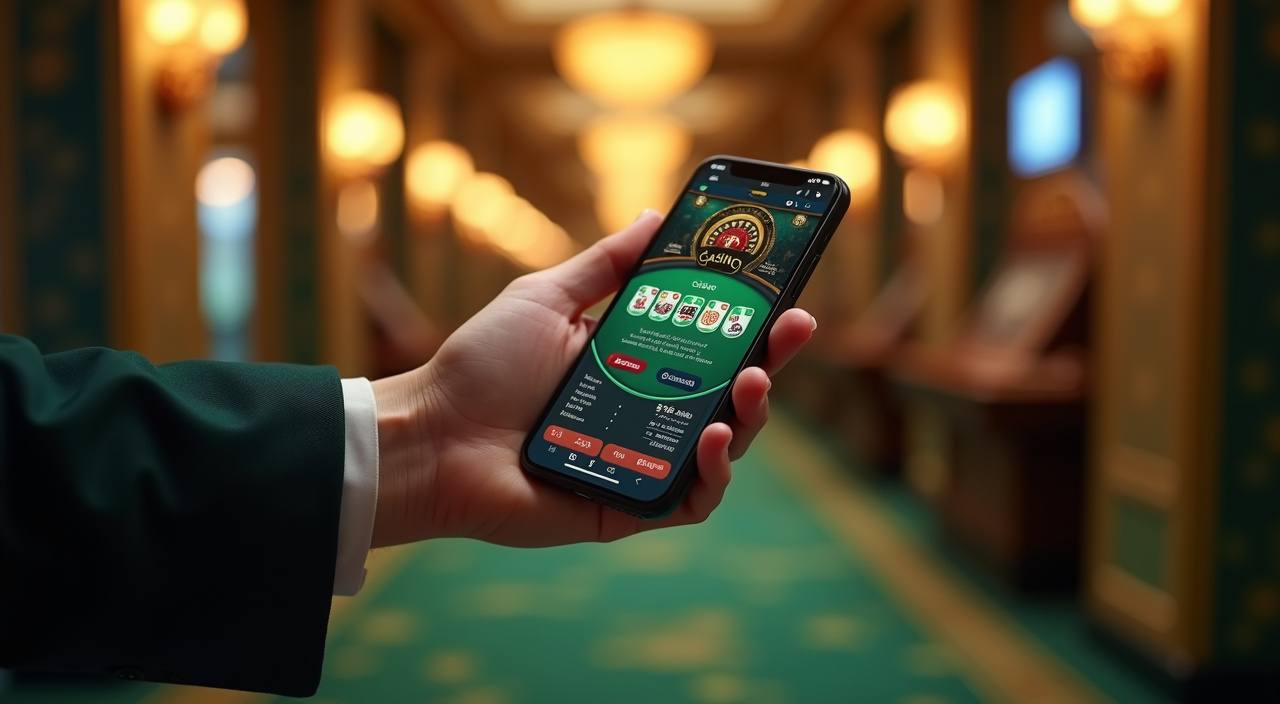
What happens during account creation
Your register form asks for a username, mobile number, password and any required profile details before the account opens. We send a code to confirm the phone number, then the sign-in page keeps your next session simple without saving your password for you. On Android Chrome or iPhone Safari, head to naga777.run, tap Account, then
choose Register. If a field needs a correction, we show it beside the form instead of clearing your entries.
-
Verified phone step We check the mobile number during registration so recovery, wallet notices and sign-in alerts reach the same contact you control. Keep the SIM active until the code is accepted.
-
Encrypted form fields Your password and profile entries move through an encrypted form. We ask you to create a unique password and avoid sharing it through chat, social apps or screenshots.
-
Lobby opens after checks Once the register step is accepted, your account can enter live tables, slot rooms and Sportsbook from the same header without filling another game profile.
-
Return sign-in path After registration, use the Sign In link on naga777.run with your username and password. If the code expires, request a fresh one from the same page.
Your details are protected with encrypted, secure access.
Local wallet choices for registration
Your wallet choice can be added after the account form, so the name on your profile and the funding route are easier to match later.
Help when registration gets stuck
A stuck code, mistyped username or locked sign-in should not leave you guessing. Our account team is available 24/7 through live chat, WhatsApp and email, and we ask for the username, registered phone number and a short screen capture when needed. We never ask for your password or wallet PIN. If you changed phones, tell us before trying repeated codes so we can check the account path cleanly.
Live chat
Use live chat for code delays, username checks or form errors while you are still on naga777.run. The agent can see the account status without asking for your password.
WhatsApp account desk
WhatsApp helps when you are away from the register page. Send your registered phone number and the issue time, then wait for our team to confirm the next account step.
Email follow-up
Email is useful for longer identity checks or a phone number change after registration. We reply with the exact document or account detail needed for the case.
Six safeguards before lobby access
Registration is also where account safety begins. We check phone ownership, protect form data in transit and keep wallet changes tied to the profile name on record.
Data encryption
The register form uses encrypted submission for password and profile fields. We mask sensitive entries on the page and avoid sending full account details through public chat channels.
Identity matching
Your profile name, phone number and wallet route should line up before account withdrawals are processed later. If something differs, we may pause access for a manual check.
Password control
We ask you to set a password that is not reused elsewhere. Account staff will never request it, and recovery goes through phone verification instead of chat promises.
Region rules
Account access is reviewed under local law. If your location or eligibility cannot be supported, we may restrict registration or ask for more details before lobby entry.
Session alerts
When sign-in behaviour changes, we may send an account notice to your registered contact. This helps you act quickly if a password reset was not requested by you.
Wallet change checks
Changing the wallet route after registration can require another profile check. We do this to keep account ownership, payment records and later withdrawal handling aligned.
Register questions from Indonesia
These answers focus on the account step only: opening the form, confirming your phone, attaching a wallet and getting back in if sign-in fails. If your case involves a personal document or a changed number, contact us through live chat, WhatsApp or email so we can check it against the account record.