naga777 Live Casino, slots, and local payments in one lobby
Open your account and move between Live Casino tables, slot rooms, and Sportsbook from a single home page.
Casino and slots that load together
Our casino and slots rooms sit together so you can jump from a live table to a slot-feature room without searching through extra menus.





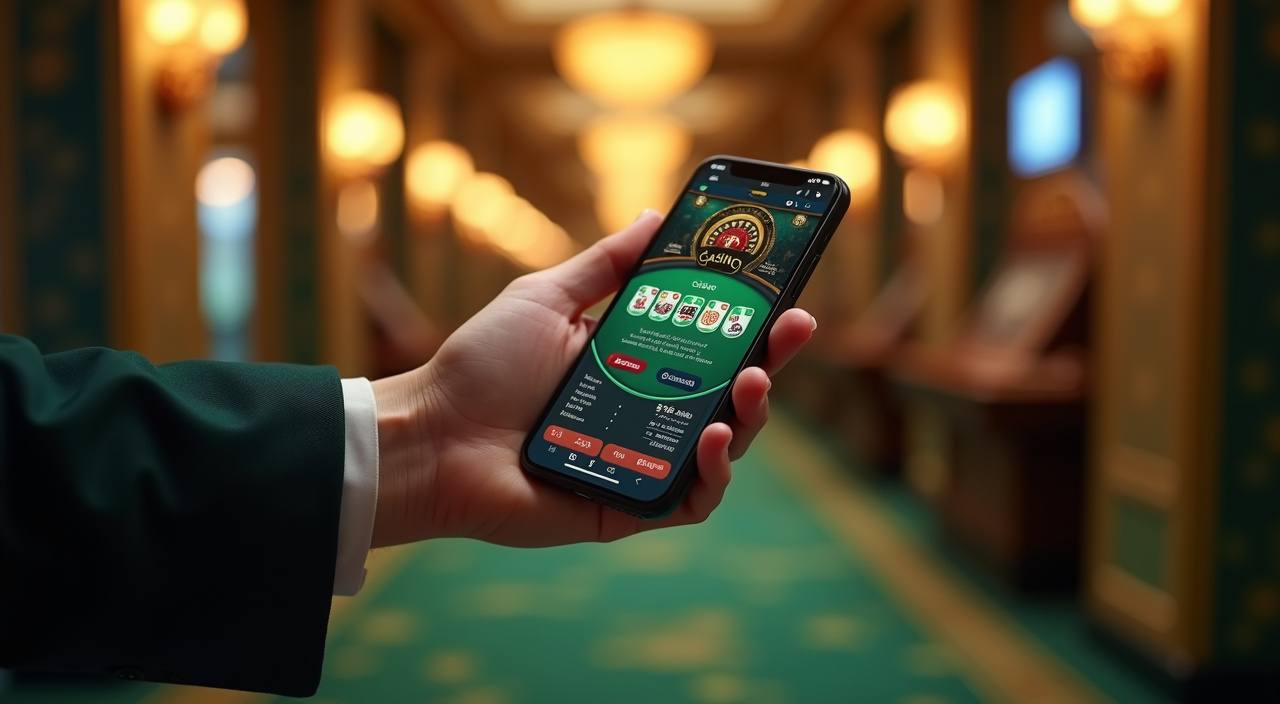





What you can open first

The first thing you can check on the home page is the mix of live dealer tables, slots, fish games, and arcade-style rooms. That helps you choose by pace instead of scanning a long list. If you like table rhythm, Dragon Tiger and Tree of Fortune are easy to open; if you want a faster touch pattern, Aviator and Fish
Hunter are nearby. We keep the lobby grouped so each area answers one question: what do you want to open now, and how fast do you want to get there?
Four details you can check

How to open your account
Opening an account starts with a clean form: choose a username, set a password, and confirm the phone number you use on DANA, OVO, GoPay, or QRIS. After that, you can move into the lobby and check the table or slot rooms that suit you. We keep the first step short so you do not spend time on extra fields.
If your details change later, update them before you request a withdrawal, because name matching is what keeps the account flow moving.
Live tables and fast slot rooms
How deposits and withdrawals move
Deposits via DANA, OVO, GoPay, and QRIS usually clear in under a minute once the amount and reference match your wallet. We use the same name on the account and the payout route, because that is what prevents delays when you ask for a withdrawal. If a transfer is pending, the usual reasons are a mismatch in the name, a
typo in the amount, or a wallet that has not been confirmed yet. That is why we ask you to check the details before you send anything.
What we keep visible here
A real home page should show how the room works before you commit. We surface the payment rails, account checks, device path, and support hours in plain view, so you can read…
Matching names
Your wallet name and account name need to line up before a payout request moves forward. That single check reduces back-and-forth and helps us clear the request faster.
Live dealer flow
The table stream stays tied to the room you open, so you can follow the dealer, the cards, and the bets without guessing which feed you are watching.
Device checks
If you move from phone to desktop, we may ask you to confirm the session again so the account stays under your control and the lobby history stays clear.
Local access
When access depends on local law, we keep the home page honest about where the lobby can open and where it cannot. That keeps the entry point easy to read.

How the page behaves on mobile
Most people open the home page on a phone first, so we keep the layout thumb-friendly and light. The payment row stays near the top, the lobby sections stack cleanly, and live tables load in a format that works on Chrome, Safari, or another modern browser over 4G or Wi-Fi. If you switch to desktop later, the same account opens
with a wider table view and more room for side panels. That way your flow stays familiar even when the screen changes.
DANA, OVO, GoPay, and QRIS
Your payment options sit in one place on the home page, so you do not need to guess which wallet fits the next step.
A short path to your favourites
You might go straight to Dragon Tiger or Super Bingo when you want table rhythm, or open Mahjong Ways, Gates of Olympus, and Sweet Bonanza when you want…
How we keep access tidy

A clean account flow starts with one password, one phone number, and one payment name that matches your wallet. We ask you to confirm those details before a withdrawal request moves forward, because small mismatches create the longest delays. If you change devices, log out first and come back through the same login path so the session stays clear. That
is a simple habit, but it saves you from chasing avoidable checks later. If you forget the password, use the recovery step before you ask support to intervene.
When you need a quick answer
Our support team handles account access, wallet status, and room questions every day from 08:00 to 24:00 WIB. You can reach us through live chat and WhatsApp, then send the phone number and payment reference so we can check the request faster. We keep the answers practical because most problems are simple: a typo in the name, a delayed scan, or a session that needs a fresh login.
Live chat
Use live chat when you want the fastest reply. It helps for login checks, wallet status, and room access, and we can keep the thread tied to your account details.
WhatsApp is useful on mobile when you need to send a screenshot of a failed scan or a delayed status change, then keep the chat open until the request is settled.
Email works well for longer issues, such as name correction or a withdrawal check that needs time stamps and reference numbers attached before we answer.
Where the home page opens
Access depends on local law and is available only where local law permits, so the home page does not pretend every region sees the same thing. If you are in Indonesia and the lobby is available in your area, you can open it from a phone or desktop without changing the layout. If you are in Medan, you see the
same account flow as you do elsewhere in the country: clear payment rails, a clean login step, and a route into the tables or slots.
Common questions from the home page
These questions come from the first thing you see on the home page: payments, login, mobile access, and how the lobby opens. We answer them in plain English so you can check the basics before you move into live tables or slots. If your situation depends on local law, the answer says so directly rather than leaving you guessing. That is the quickest way to decide whether to continue or come back later from another supported location.